 Thoughtogram
Thoughtogram
Thoughtogram
The visual thinking workspace that doesn't scroll or zoom. Everything stays in focus.
On mobile, tap "Add to Desktop" on the store page — it installs automatically next time you open Chrome on your computer.
Thoughtogram is a Chrome Extension that replaces your new tab page with a visual whiteboard, plus a built-in Web Clipper for saving anything you find online.
It uses a fixed canvas approach — no scrolling or zooming needed. Everything stays visible at once, which is why it shines on a screen with comfortable working space.
A laptop or desktop screen gives your cards, notes and videos enough room to breathe.
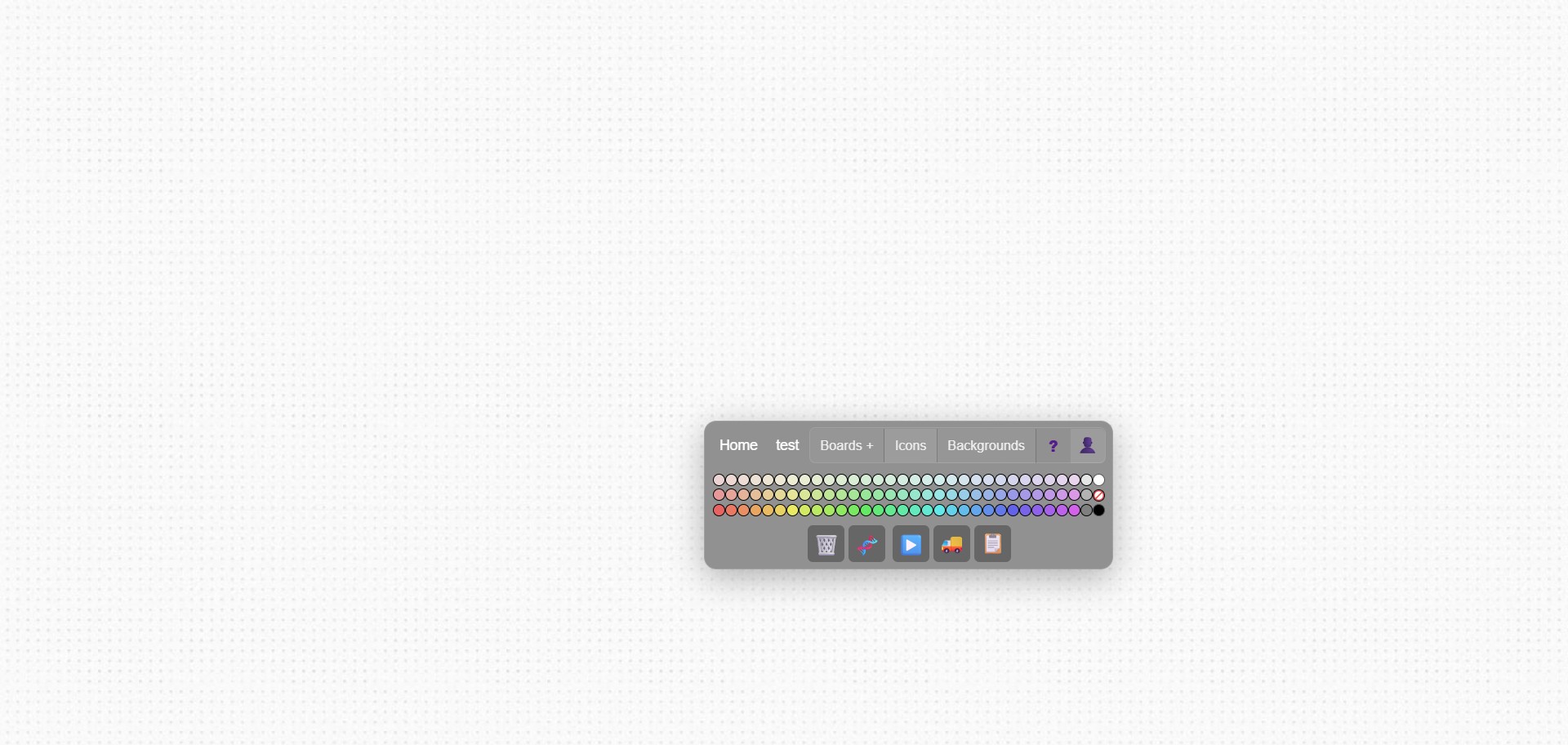
No menus. Just double-click anywhere and start typing.
Build your own personal wiki — link related boards together as your knowledge grows.
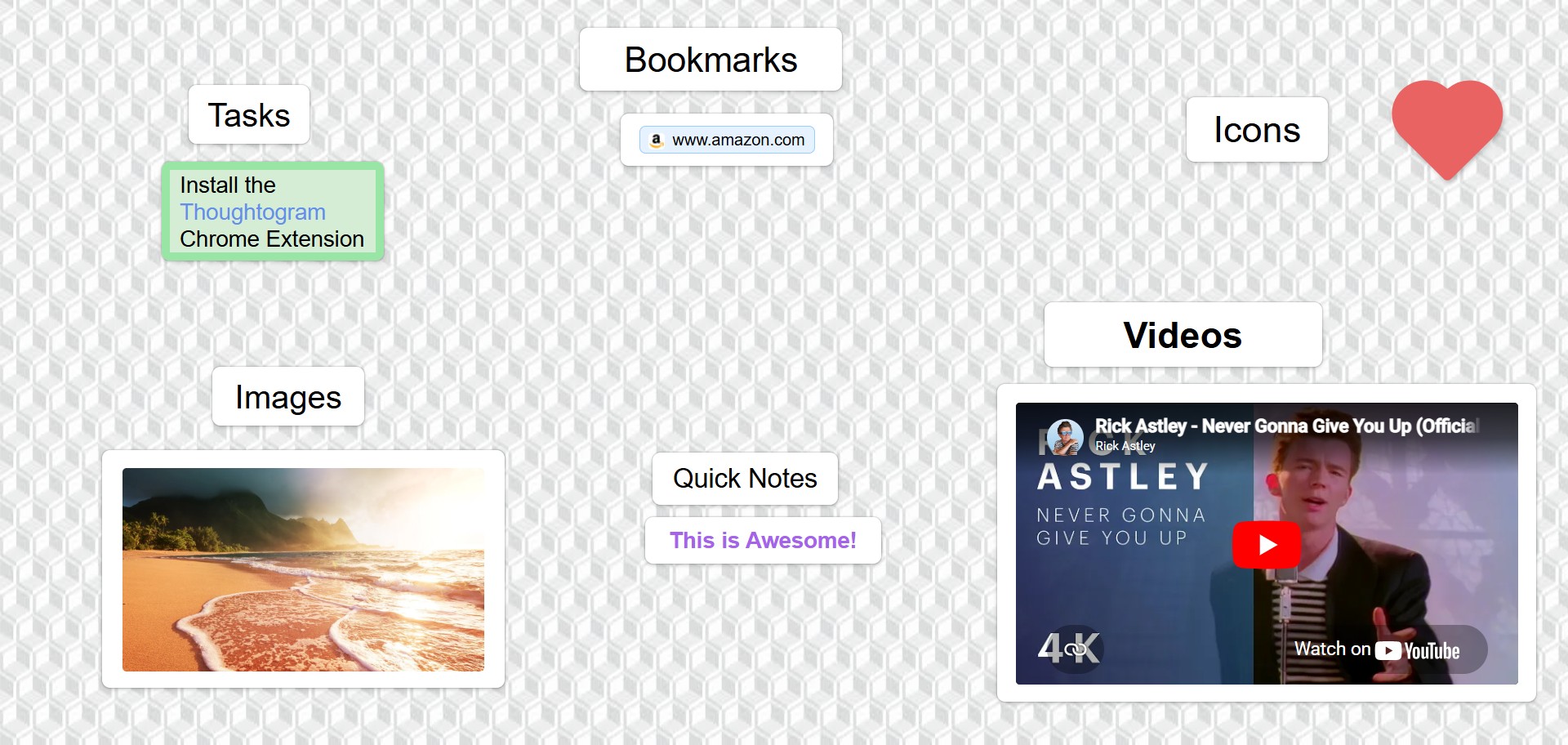
Add music, workouts, recipes, or learning videos directly to your boards.
Drop any image URL. Resize and arrange freely.
Visual organization. Drag colors onto cards to group ideas.
Download as Markdown anytime. Works with Obsidian, Notion, any text editor.
A few glimpses of what your board can look like.

Start free. Upgrade only if you need more.
No signup required
Just install the Chrome Extension — your Home Board appears on every new tab.
Cancel anytime. No questions asked.
Everything in Free, plus:
What you see is what you pay for. Forever.
Important links, daily todos, quick notes. Everything visible without scrolling.
Connect boards however you like — "Philosophy" can link to "Stoicism," "Ethics," "Logic," or branch off in any direction. Navigate without losing your place.
Create music playlists, workout routines, cooking recipe boards. Each video stays where you put it.
Visually organize ideas with colors. Link to sub-project boards. See the big picture.
Here's what's on the Chrome Web Store listing — the same description you'd read before installing.
Your new tab becomes your fixed visual whiteboard — clip links, highlights, images and notes from any page.
Transform your new tab into a distraction-free, fixed whiteboard. Organize your thoughts, research, and web discoveries on a perfectly framed, always-in-focus canvas. No infinite scrolling, no zooming — just your most important ideas exactly where you left them, naturally limited by your screen size to keep you focused.
Go beyond basic text links. Your new tab is a fully interactive workspace:
🎁 Free Tier (no signup required):
💡 Create a free account at any time to securely sync and protect your board across devices, plus unlock quick capture via the mobile companion web app.
💎 Thoughtogram Pro ($5/month):
Your Home Board is free forever. No signup needed.
View on Chrome Web Store