Ways to use Thoughtogram
Bring notes, bookmarks and tasks together on boards you can take in at a glance. Here are four ways to make the space your own. Open Thoughtogram in your browser, with nothing to install.
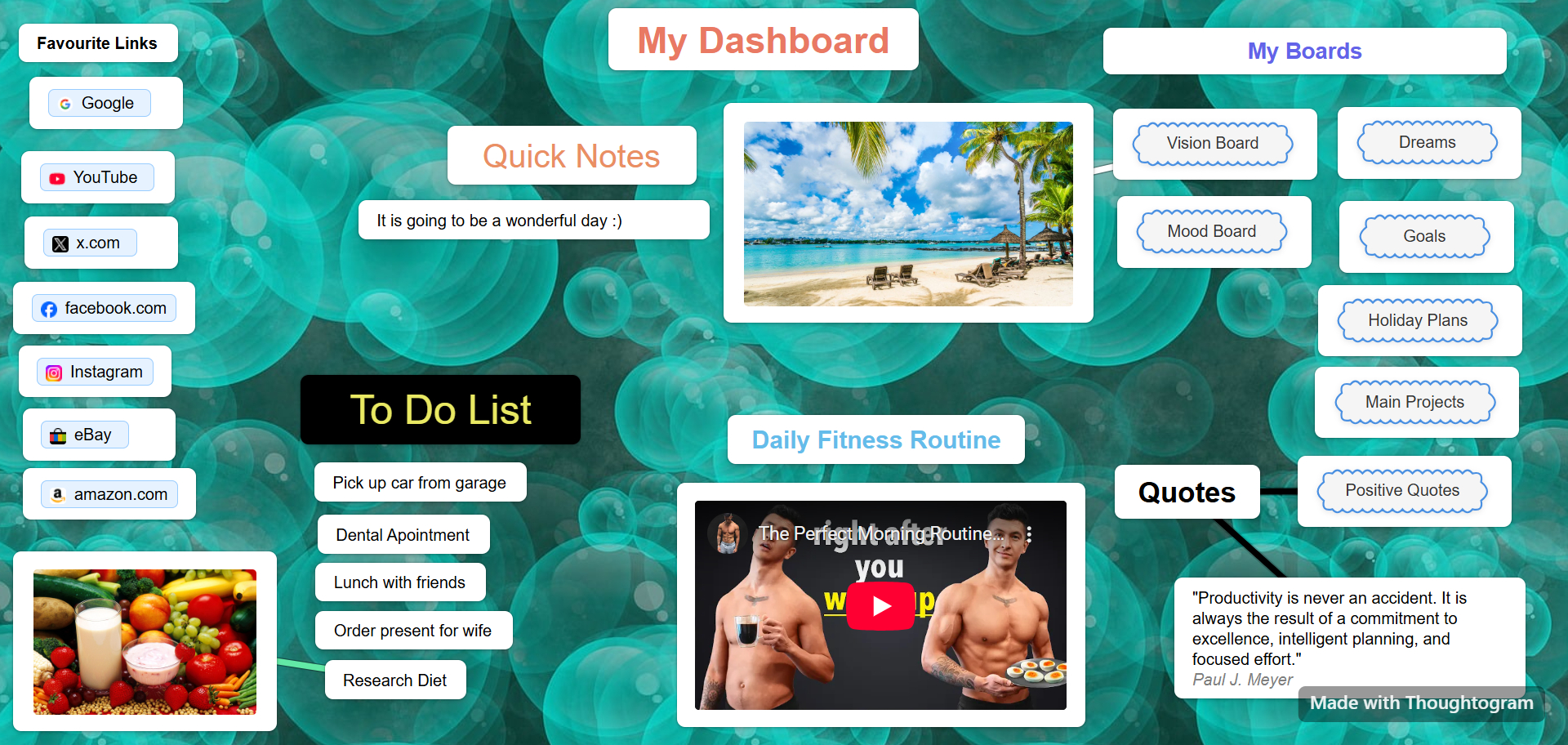
Personal Dashboard
Keep your everyday links, tasks and quick reference notes together on a personal dashboard board. Arrange them where you can find them at a glance.
- No scrolling through endless lists
- Everything on one screen
- Update in seconds
- Open your board directly in your browser
Useful for: Keeping daily tasks, regular links and reference notes together.
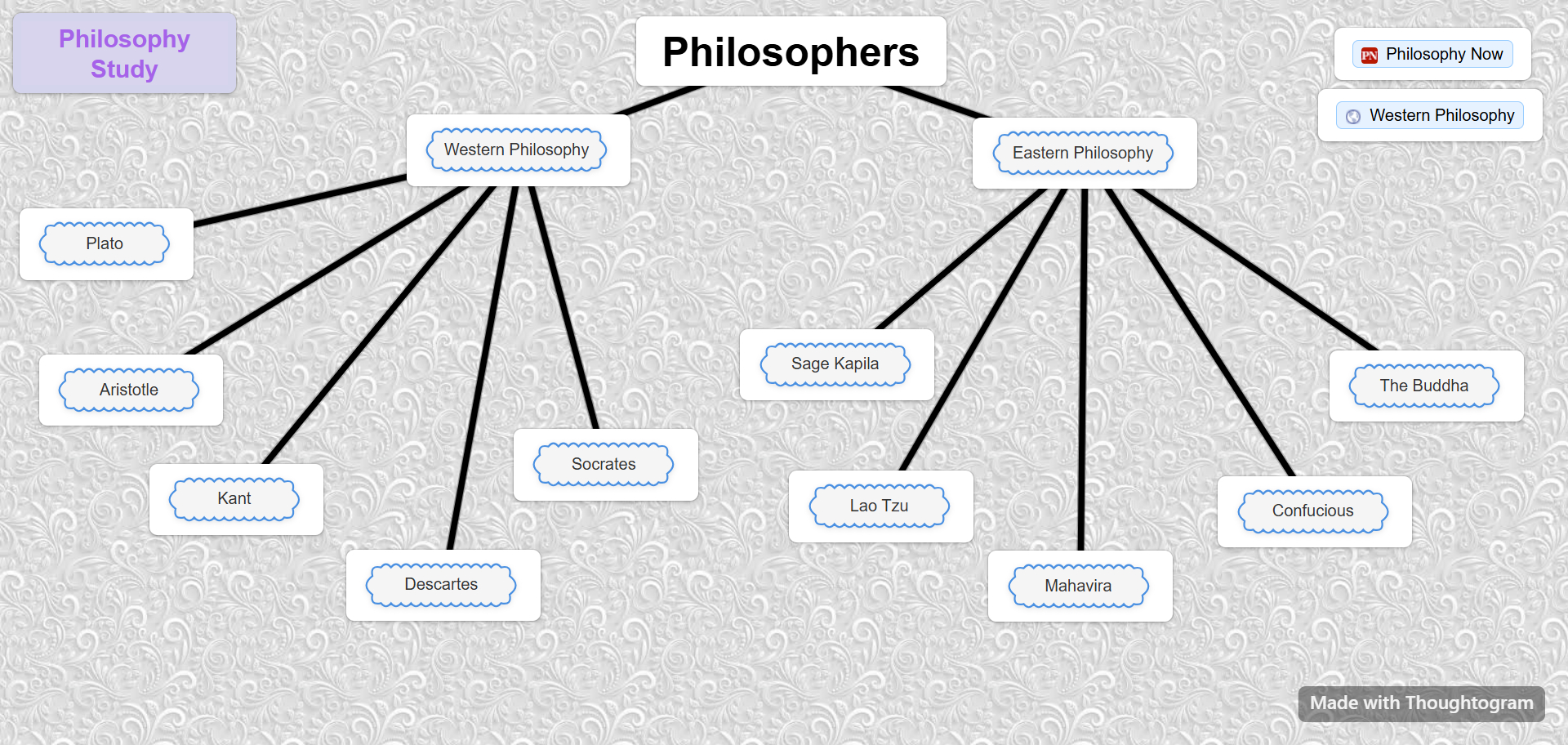
Knowledge Wiki
Build a personal wiki from connected boards. A "Philosophy" board could link to "Stoicism," "Ethics" or "Logic," with each topic in its own space. Link related boards in any direction as your ideas develop.
- Link boards together for depth
- Connect topics in any direction
- Organize ideas without a fixed folder hierarchy
Useful for: Research, study and developing ideas.
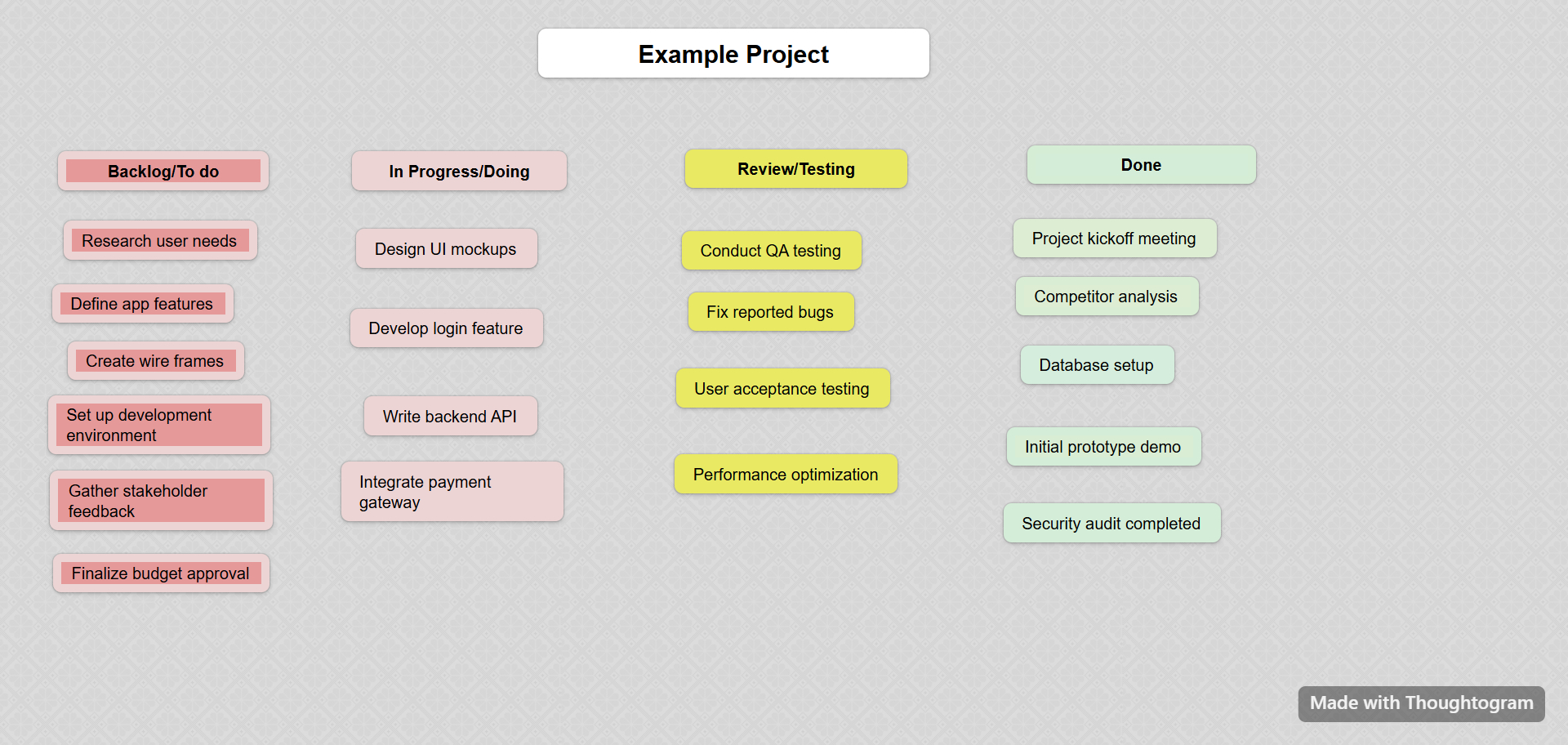
Project Planning
Map out your project visually. Break complex projects into manageable chunks with cards for tasks, milestones, and resources. See the whole picture without zooming out.
- Visual task management
- Connect related ideas with board links
- Color-code priorities instantly
Useful for: Planning personal projects and organizing your own work.
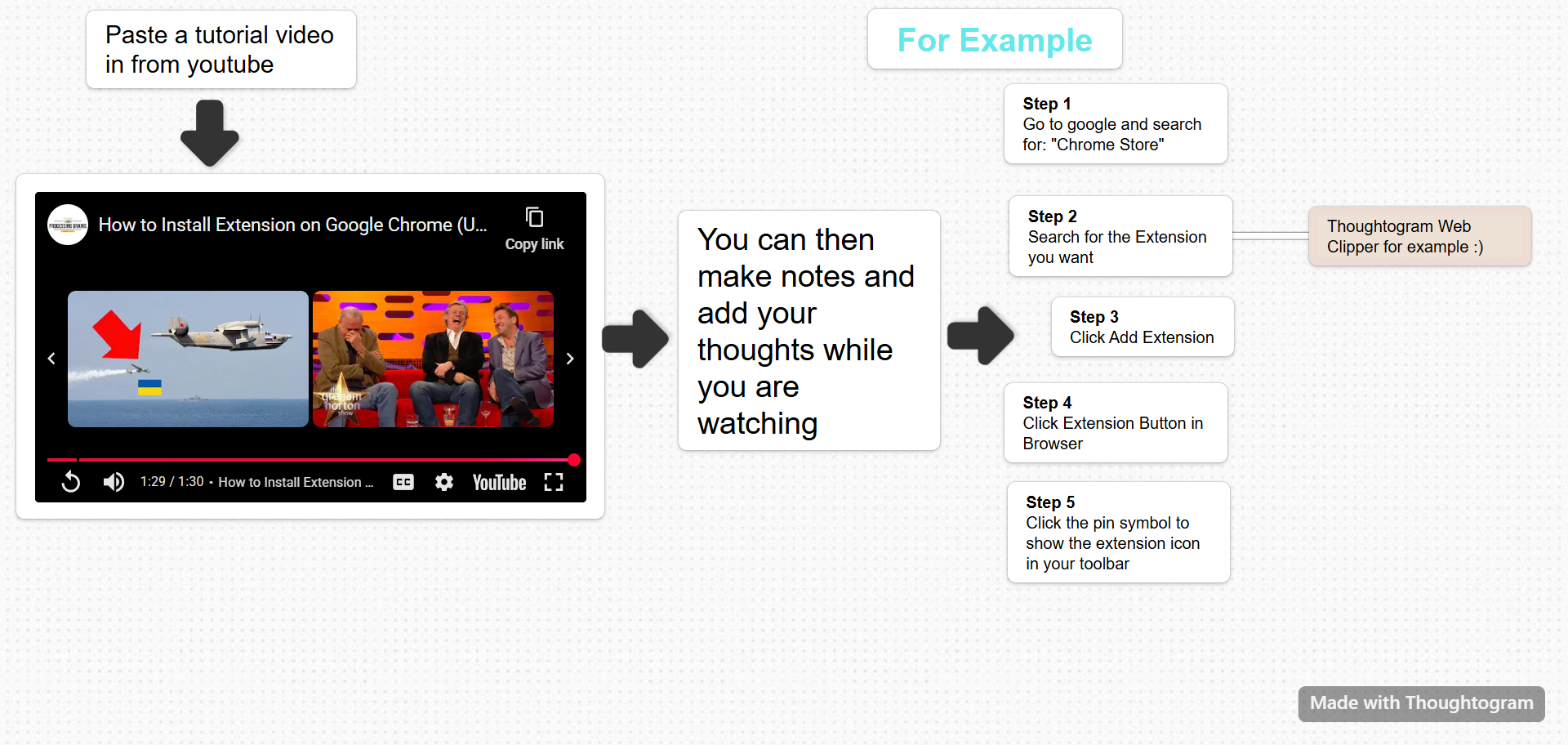
Learn from Video Tutorials
Paste a YouTube tutorial link onto a board and keep your notes beside the video. Gather related lessons on the same board so you can return to them.
- Write steps and tips next to your tutorial
- Add personal notes while you watch
- Keep useful images beside your notes
Useful for: Learning a skill or working through a course.
Ready to get started?
$39 USD once. No subscription or recurring charge. Includes a 30-day money-back guarantee.
Get Thoughtogram — $39 USD once